


Your work,
in one place.
The notes, files, meetings and tasks you keep in ten apps, together in one app for Mac and Windows. On your computer, with AI only when you ask.
Ten apps for one workshop. Or one place for all of it.
 NotionPlan the workshop pageProjects
 ObsidianWrite down the ideaSmart Notes
 TodoistPrepare the slides by FridayTasks
 GranolaTake notes at the 9:00 meetingMeetings
 Word, Excel and PowerPointEdit the invitation and budgetMy Files
 Adobe AcrobatSign the room bookingPDF tools
 iLovePDFMerge the handoutsWorkflows
 ZoteroCite that paperResearch
 Raindrop.ioFind the article you savedMy Saves
 RaycastPaste the address you copiedClipboard
Spillit covers the personal work shown here. Check the specialist tools you rely on before switching.
One app for the whole project. Pick a part to see it.
Projects. Give every project a color and a cover, and sort them into bins for work, school and home.
Keep your work in one place you trust.
Local. On your computer by default.
Your files. Open what you already have.
Your choice. AI only when you ask.
Together. Notes, files, meetings and tasks.
There's a Spillit for that. Small jobs from a normal week, done in one place.
Spillit Intelligence
Writing help beside your note. Nothing runs until you ask.
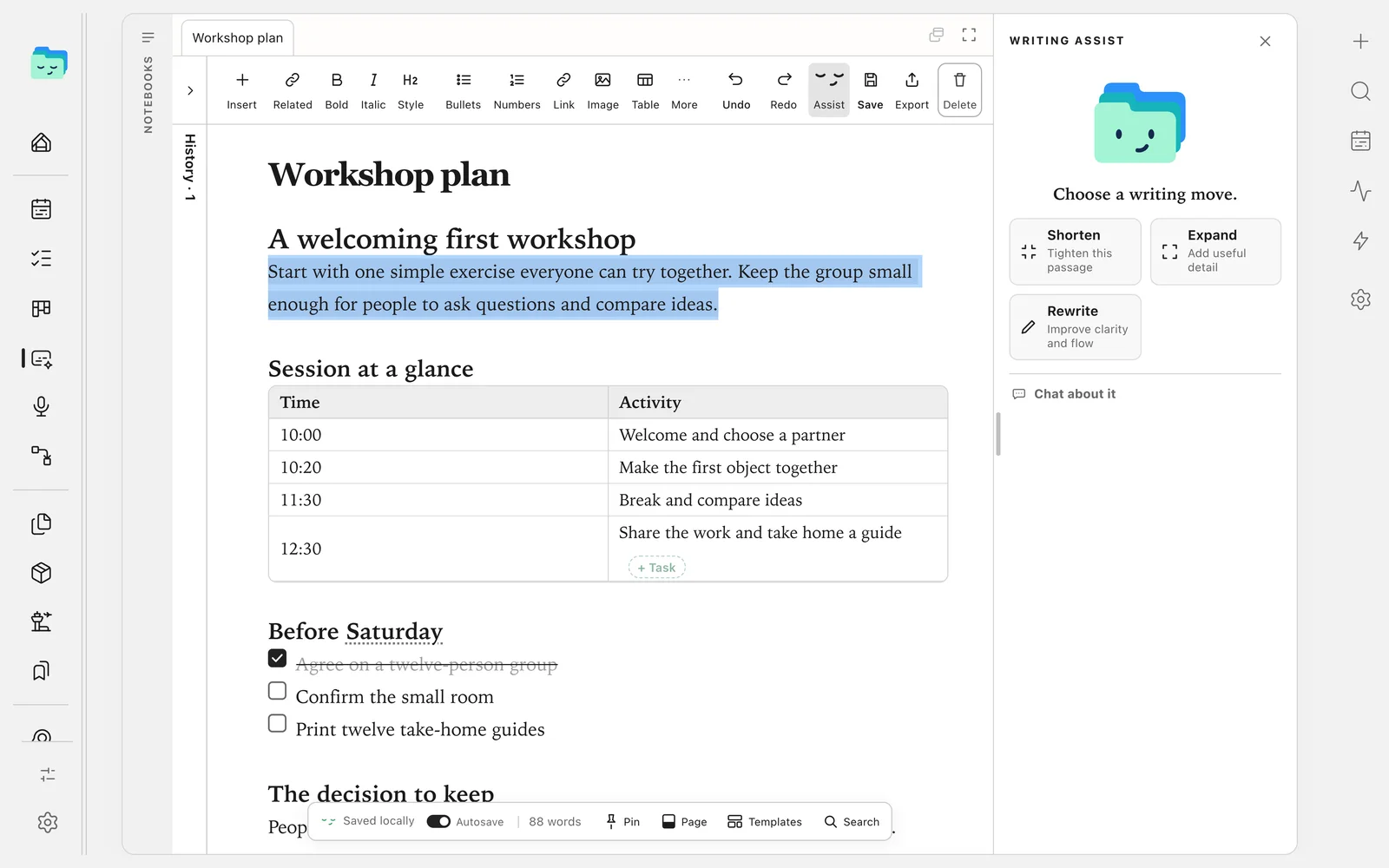
- Shorten this paragraph
- Make it friendlier
- Expand into a short plan
- Rewrite for the invitation
On your selection. Pick text, choose an action, then keep or discard the result.
Dictation. Hold Fn and speak into the app you're using.
What else can Spillit do?
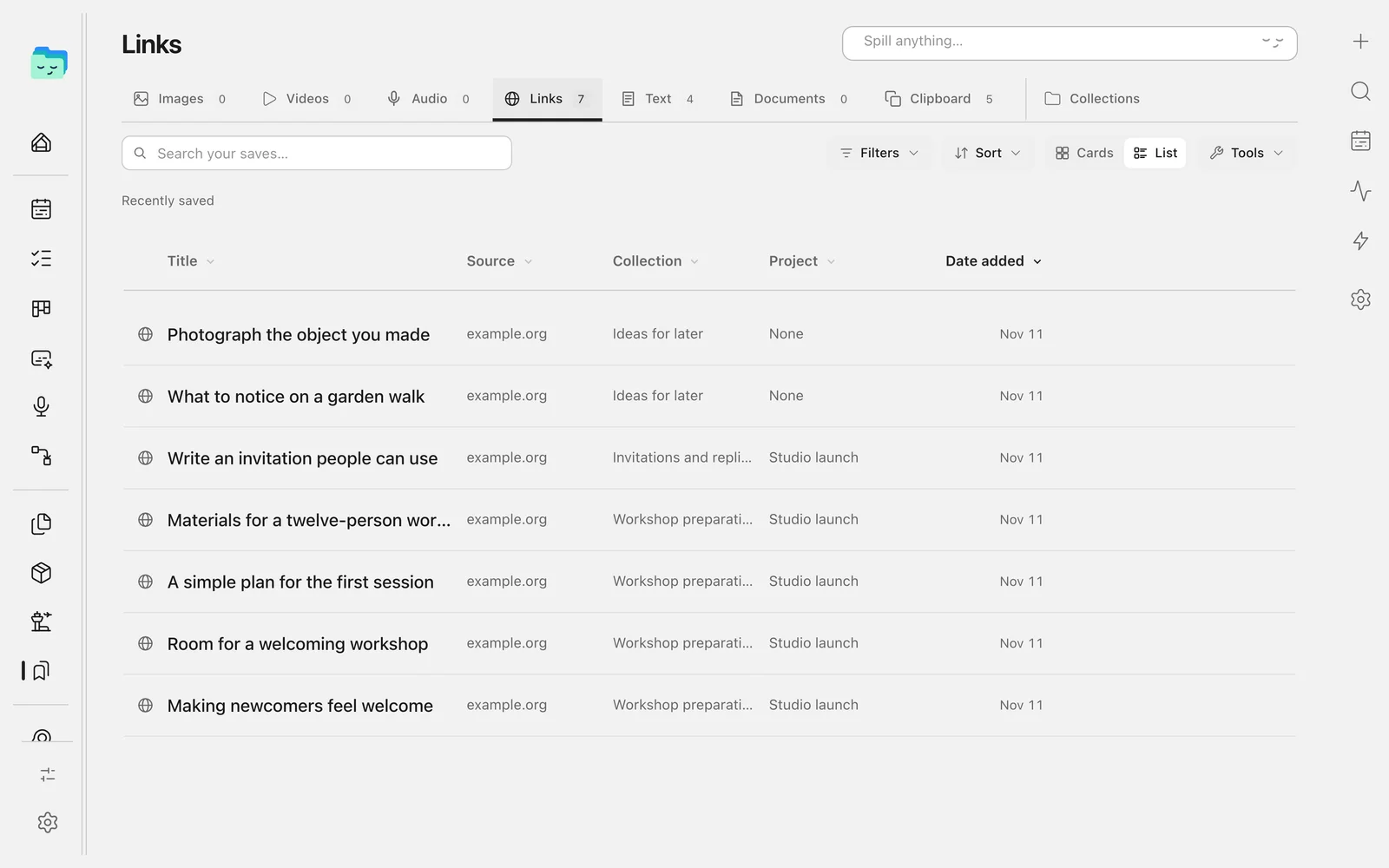
- Keep what you find, with its source.
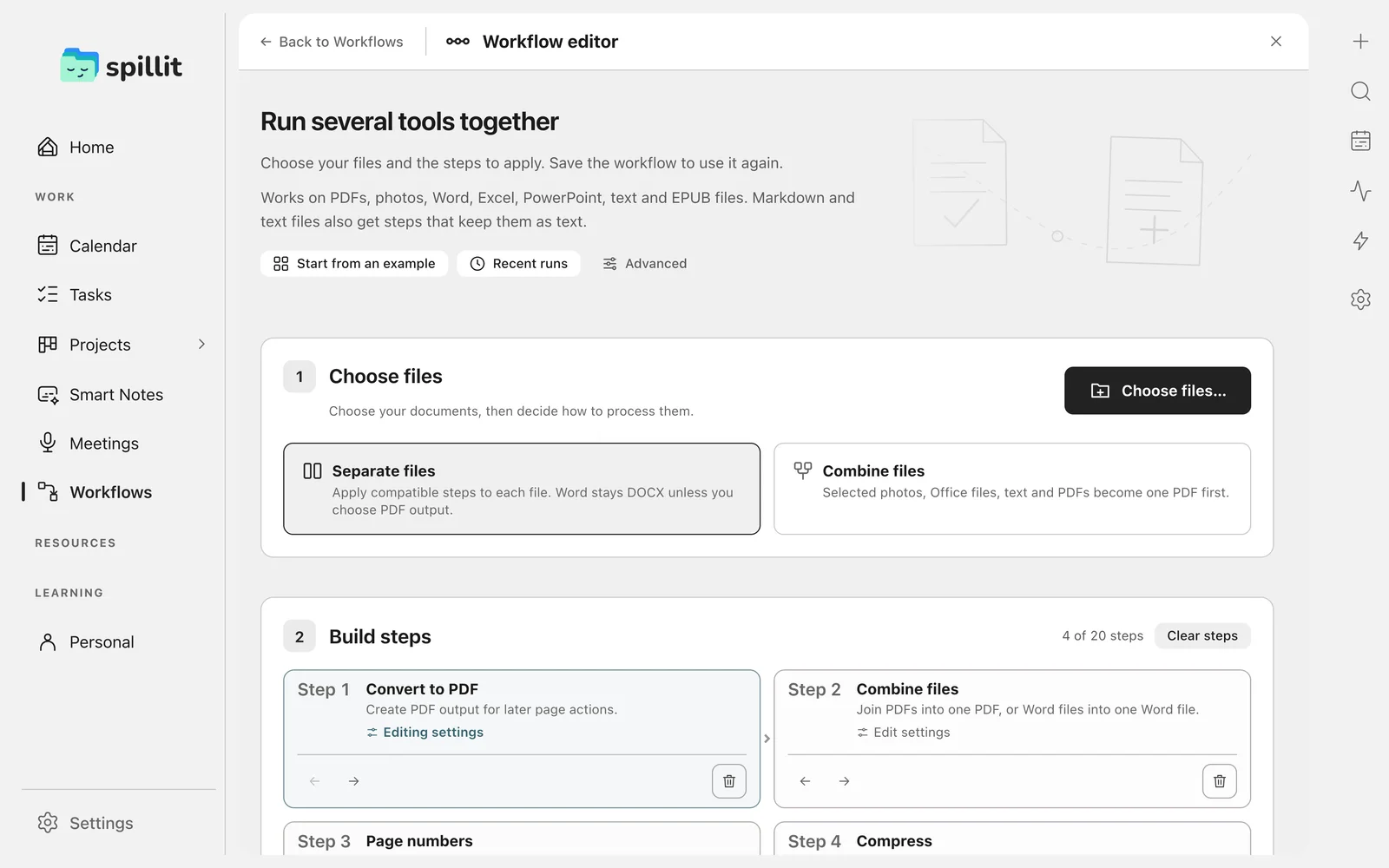
- Combine, convert and number files with saved steps.
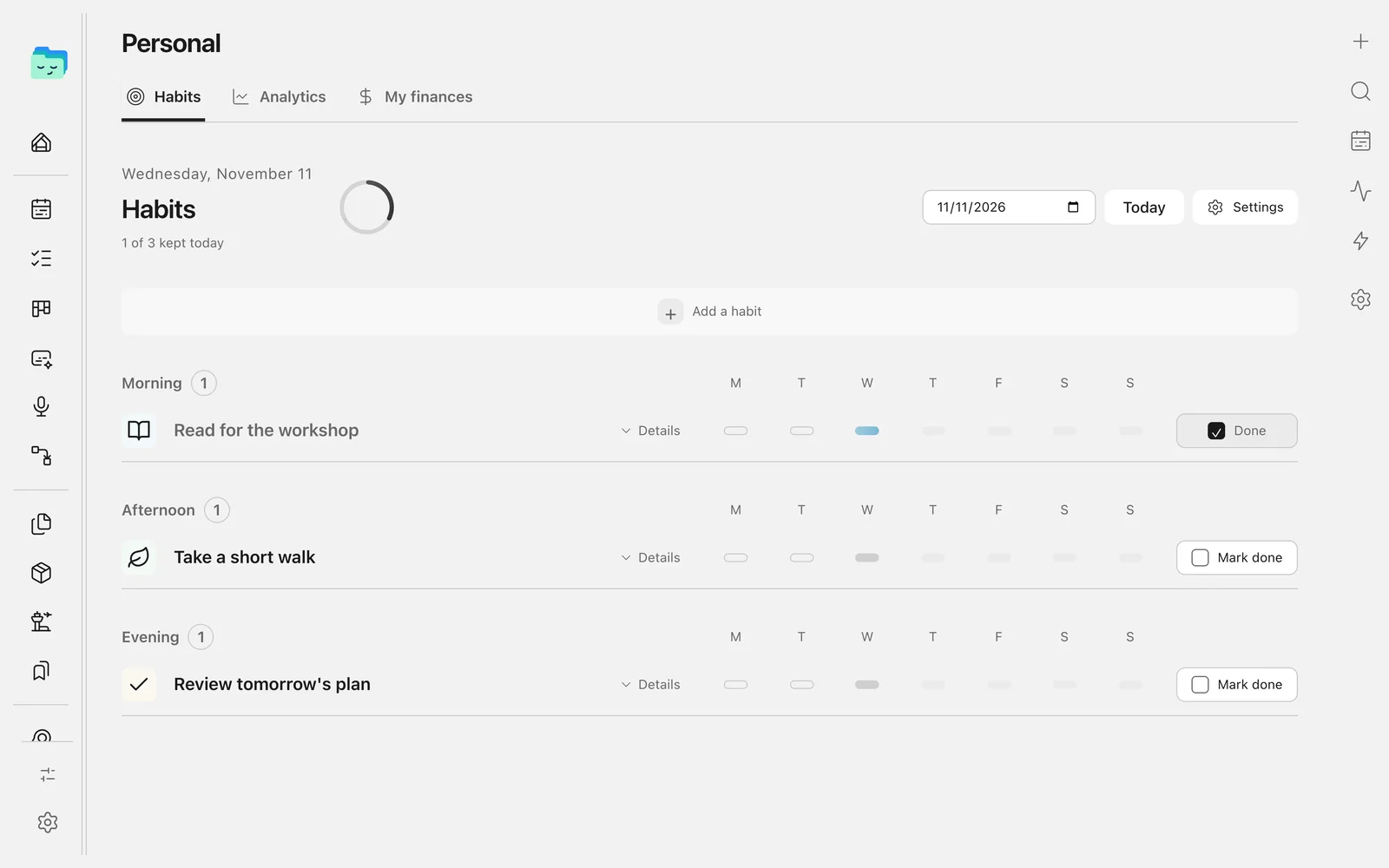
- Check off habits and see your streaks.
- Stops, bookings and places on a map.
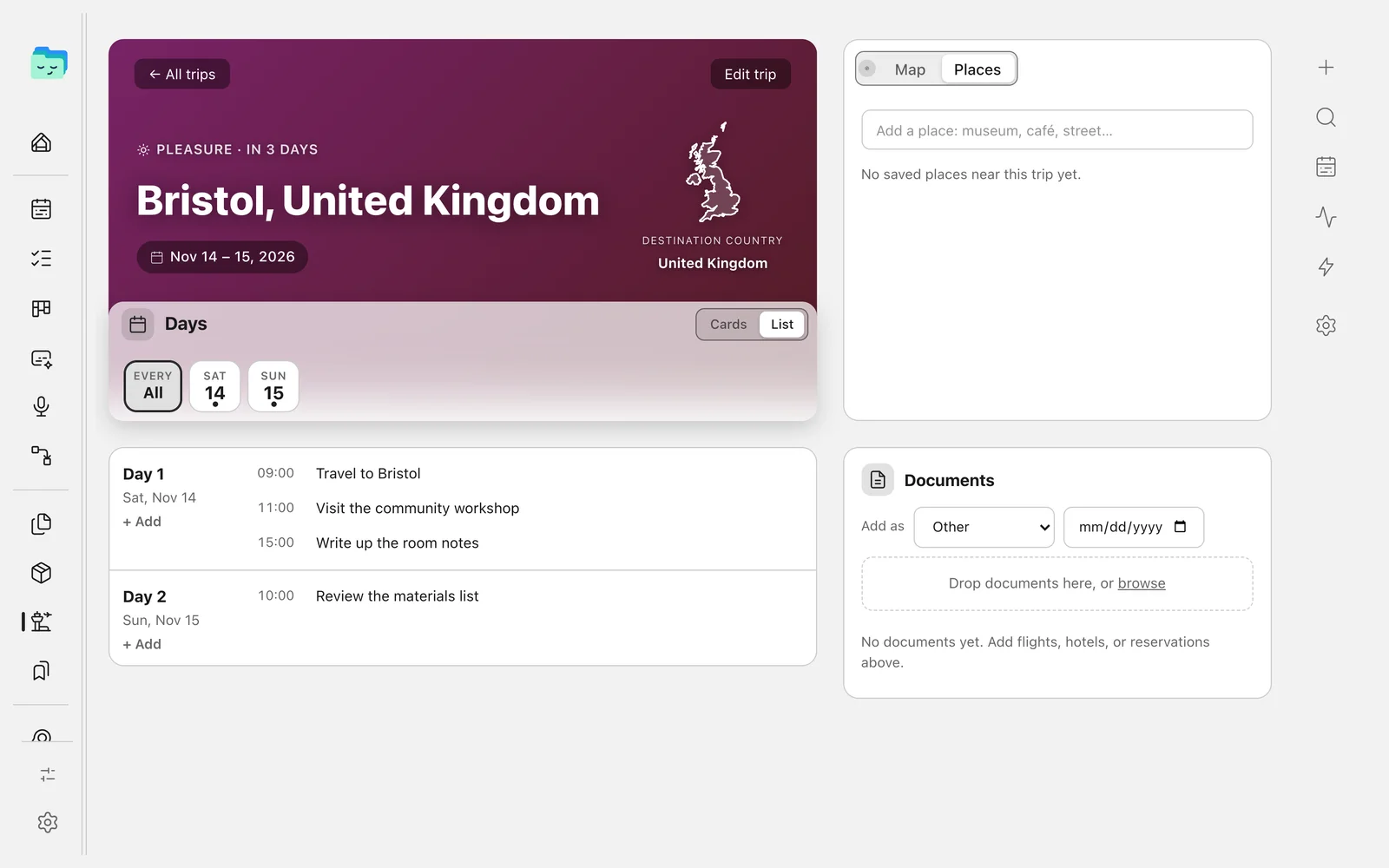
See it in your line of work. Travelers, students, lawyers, teachers, creators and more.
Find your kind of workYour data stays on your computer by default.
Your workspace stays on your Mac. Workspace records and search data stay on your computer by default.
You choose where AI runs. Use AI on your Mac, or Spillit AI in the cloud for supported features.
Sync only when you turn it on. When you enable device sync, Spillit transfers encrypted library data.